 button to generate the counter example. If you click on the
  button, no counter example will be generated, but the error state is still recorded.
1. When an algorithm fails, the counter example dialog box is displayed. Click on the button to generate the counter example. If you click on the button, no counter example will be generated, but the error state is still recorded.
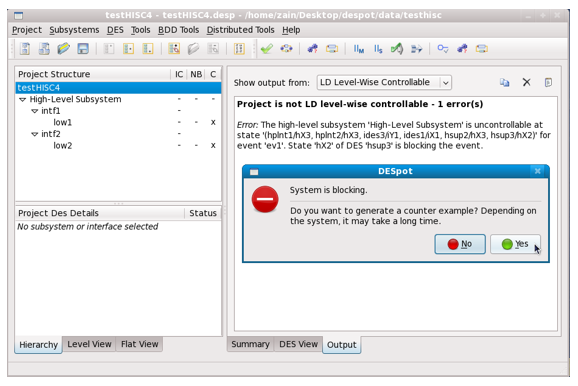
2. The counter example algorithm completion dialog then appears. Click on the  button.
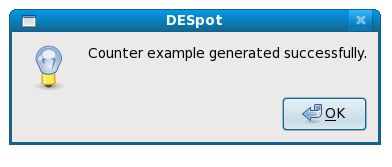
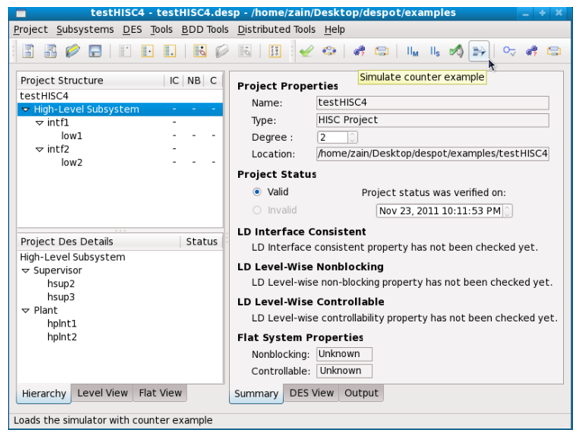
 button. If you generated a counter example, this is loaded into the simulator. Otherwise, the simulator opens with the system started at the recorded error state.
As HISC conditions are per component, so are the error states and counter examples. When you enter the simulator, only the component that failed and its interfaces are loaded, and they are treated as a flat project.
OR
From the menu bar, select Tools | Debug simulation
For information on running a counter example simulation, see Running Modes